Random name picker for the classroom
Cold-call fairly and keep the whole class ready to answer. Pick from your class list with a spinning wheel, a slot machine or a rocket launch, and picked names drop out until everyone has had a turn.
No install · sign in with Google Classroom or a teacher code
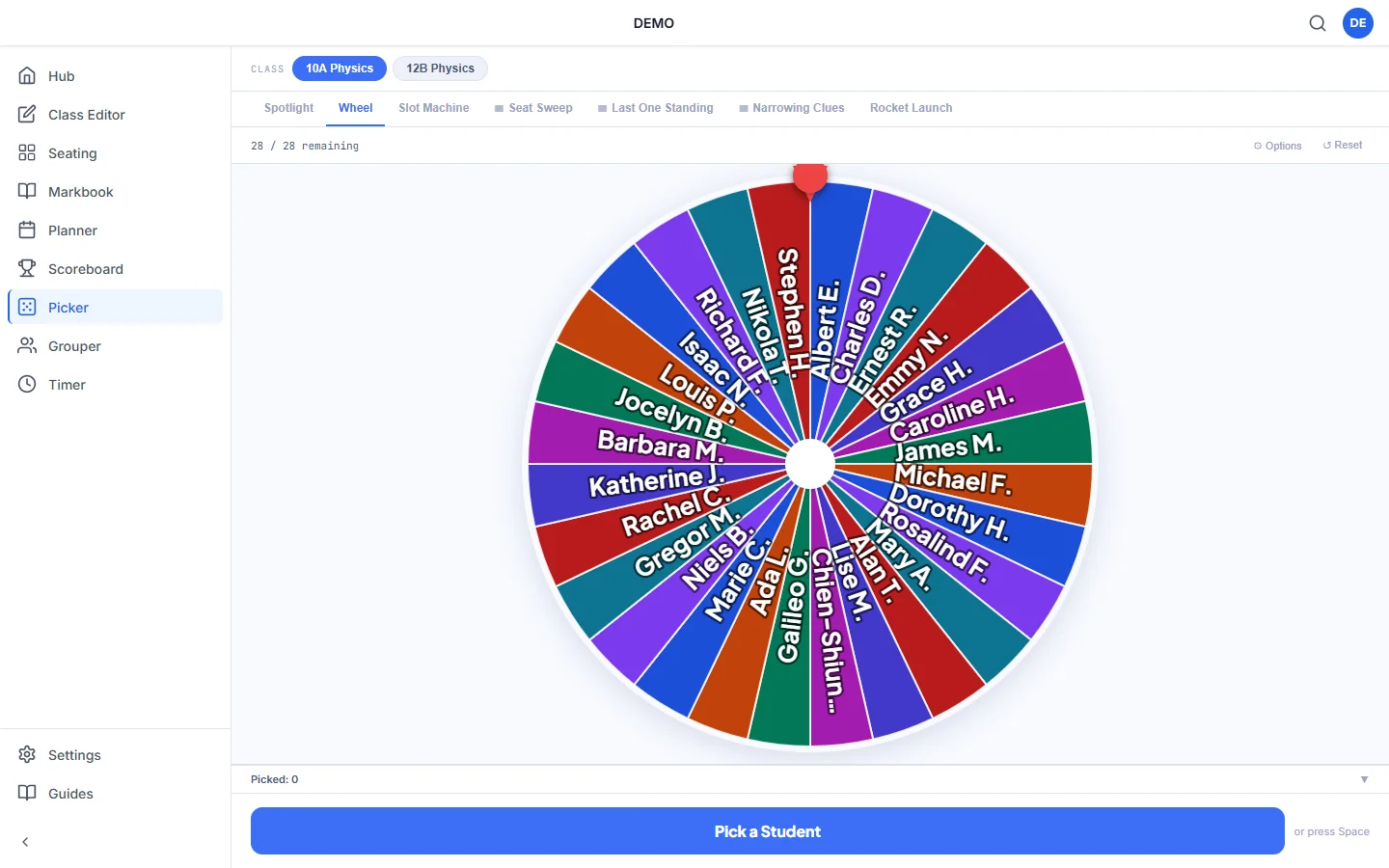
More than a wheel of names
Picker uses your real class lists, so there are no names to type in before the lesson.
Seven ways to pick
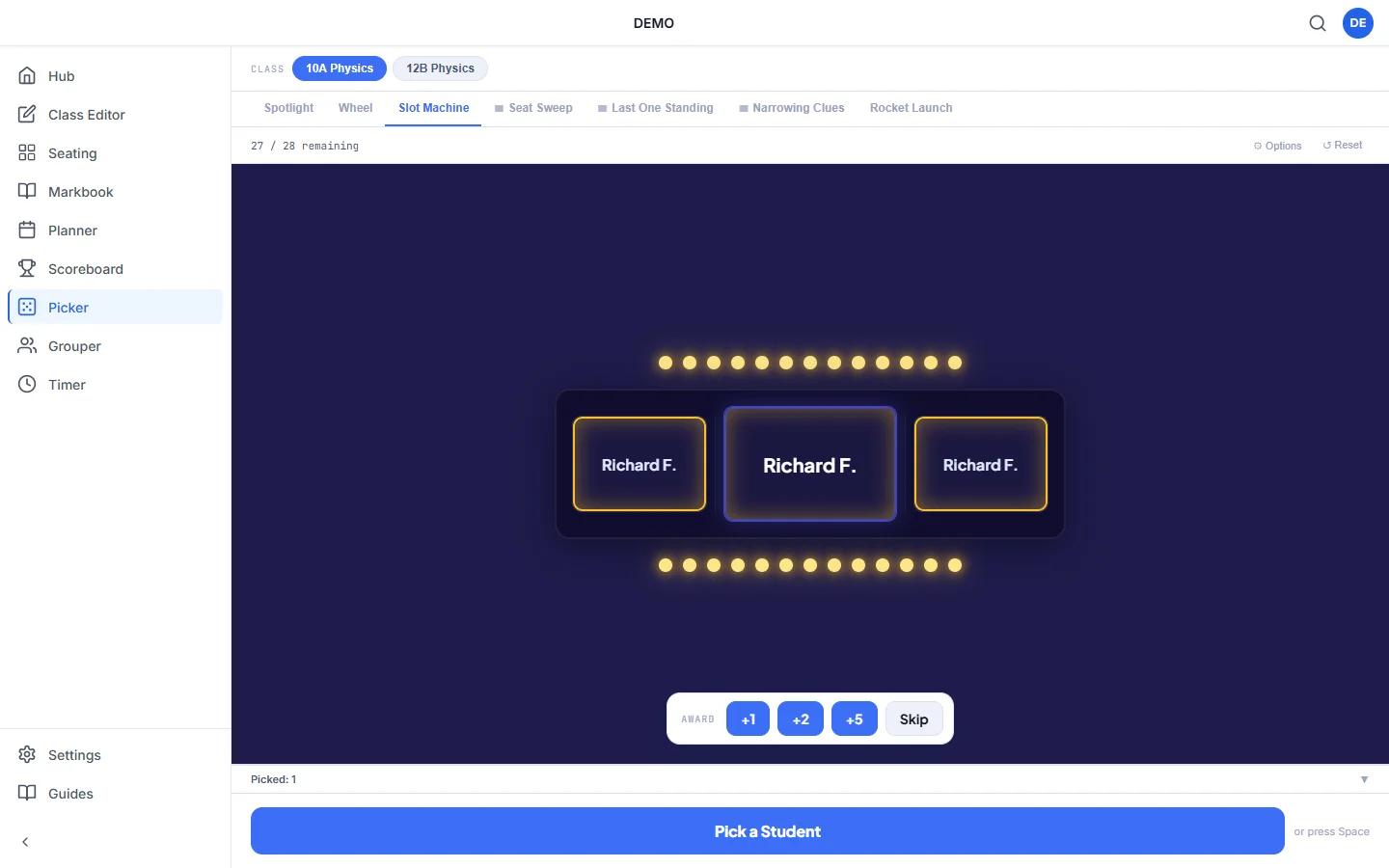
Spotlight, Wheel, Slot Machine, Rocket Launch, Last One Standing, Seat Sweep and Narrowing Clues. Change the style whenever the class needs a lift.
Picks from your seating plan
Seat Sweep moves across the desks and stops on one. Narrowing Clues hints at where the pupil sits, such as the back row or the left side, before the reveal.
Pick a pair
Seat Sweep can pick two pupils who sit next to each other. It's ideal for think-pair-share or a quick paired answer.
Fair turns
A counter shows how many pupils are left to pick. You can remove each name after it's picked or keep it in, and reset when everyone has had a go.
Award points on the spot
Give points straight from the pick result. They go on the same Kredits class points scoreboard.
Sound on or off
Switch sound effects on for a bit of drama or off for a quiet room. Kredits remembers your choice.
How it works
Choose your class
Class lists come from the Class Editor, imported from Google Classroom or pasted in once.
Pick a style
Choose one of the seven picking styles. The seating-plan ones use your saved layout.
Press Pick
Reveal a name, give points if you want to, and carry on with the lesson.
Why use a random name picker?
Asking pupils at random, rather than waiting for hands up, keeps everyone thinking about the question. It also stops the same few pupils answering every time.
Picked names drop out until the whole class has had a turn, so no pupil is picked twice in a row and nobody gets missed.
Questions teachers ask
Is the random name picker free?
Yes. Picker is one of the free Kredits tools, with no trial period and no card details.
Will it pick the same pupil twice?
Not unless you want it to. When a name comes up you can remove it or keep it in. The counter shows how many pupils are left, and you can reset to start again.
Do I have to type the names in every lesson?
No. You set up each class once in the Class Editor, by importing from Google Classroom or pasting names, and every Kredits tool uses that list.
Can I put it on the classroom board?
Yes. It runs in the browser, so you can open it on the board, a laptop or a tablet with nothing to install.
More free Kredits tools
Set up a class once and use it in every tool.