Random group generator for teachers
Split your class into groups in seconds. The groups are random, but they follow your rules about who works together, who doesn't and who sits next to whom.
No install · sign in with Google Classroom or a teacher code
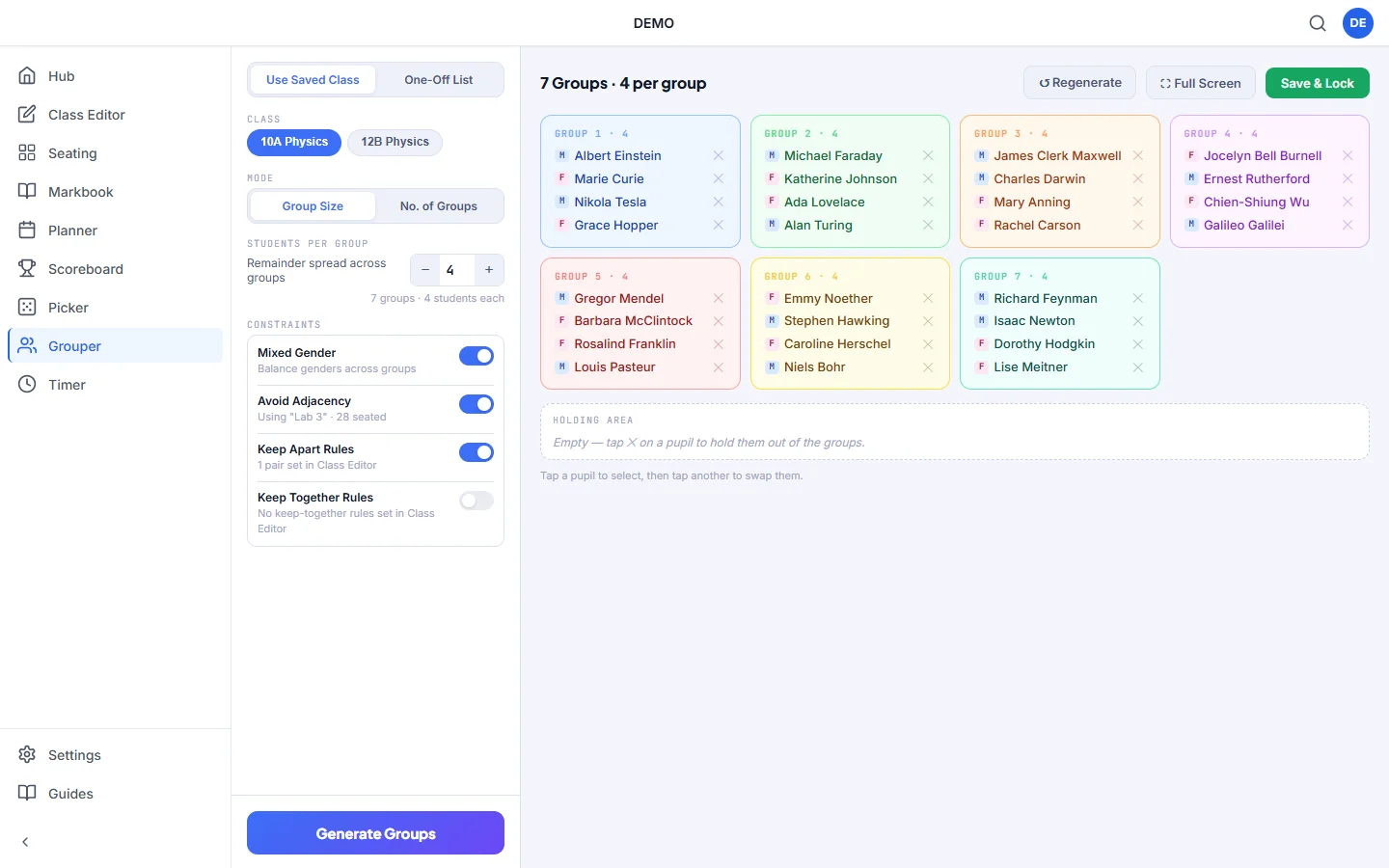
Random groups that respect your rules
You know which pupils shouldn't work together. Grouper remembers it for you.
Group size or number of groups
Choose how many pupils go in each group or how many groups you want. Any pupils left over are shared out across the groups.
Keep Apart and Keep Together
Set up pairs in the Class Editor once. Grouper applies them every time you make groups.
Balance genders
Turn on mixed-gender groups and each group gets a balanced mix.
Avoid desk neighbours
Stop pupils who sit next to each other from ending up in the same group. This uses your seating plan.
No repeats
Save & Lock a set of groups and Grouper avoids repeating it next time, so pupils work with different people over the term.
Leave out absent pupils
Tap ✕ next to a name to hold that pupil out of today's groups, then return them with one tap.
How it works
Choose your class
Use a saved class, or paste a one-off list of names.
Set your options
Pick the group size and turn on the rules you want to use.
Generate
Get your groups instantly. If a rule can't be met, Grouper shows you the best result and tells you which rule it couldn't meet.
Better groups for pair work and group tasks
Letting pupils choose their own groups usually means the same friendship groups every time. Fully random groups can put together two pupils you know shouldn't work together.
Grouper does both: it mixes the class up randomly and still follows the rules you've set.
Questions teachers ask
Is the group generator free?
Yes. Grouper is one of the free Kredits tools, with no trial period and no card details.
What if my rules can't all be met?
Grouper tells you which rules it couldn't meet and lets you accept the best result it found or change your options.
Can I use it without setting up a class?
Yes. Choose One-Off List and paste in the names for a quick set of groups.
Can I see groups from past lessons?
Yes. Groups you Save & Lock appear under Past Groupings, and Grouper uses them to avoid repeats.
More free Kredits tools
Set up a class once and use it in every tool.